✦KesMic: Invoice & Quote Maker

Say it.Invoice done.

Describe the job out loud and KesMic builds a professional invoice or quote with your prices, your logo and a PDF ready to send, before you leave the job.

Free to start. Works on iPhone, iPad and Android.

Invoices in seconds Branded PDF invoices & quotes iPhone, iPad & Android English & Spanish
Features

Everything you need to quote, invoice and get paid

Less paperwork, more time on the job. KesMic keeps your whole billing workflow in your pocket.

Voice to invoice

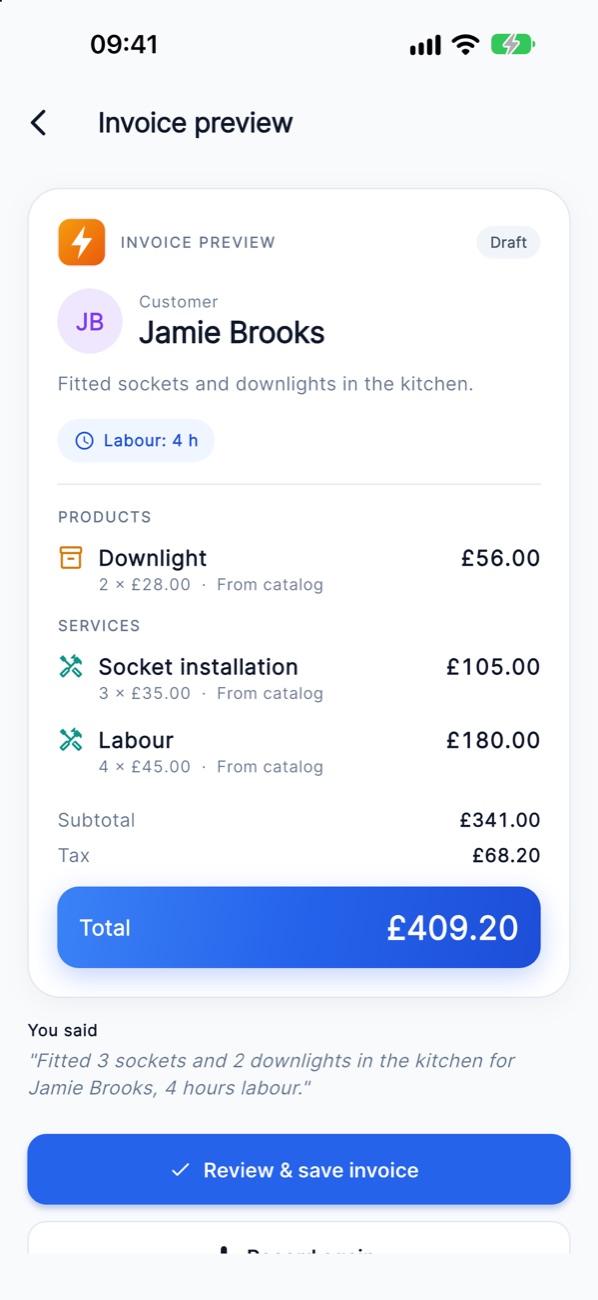
Speak or type the job in plain words. AI picks out the customer, items, quantities and labour hours, and you review every line.

Professional PDFs

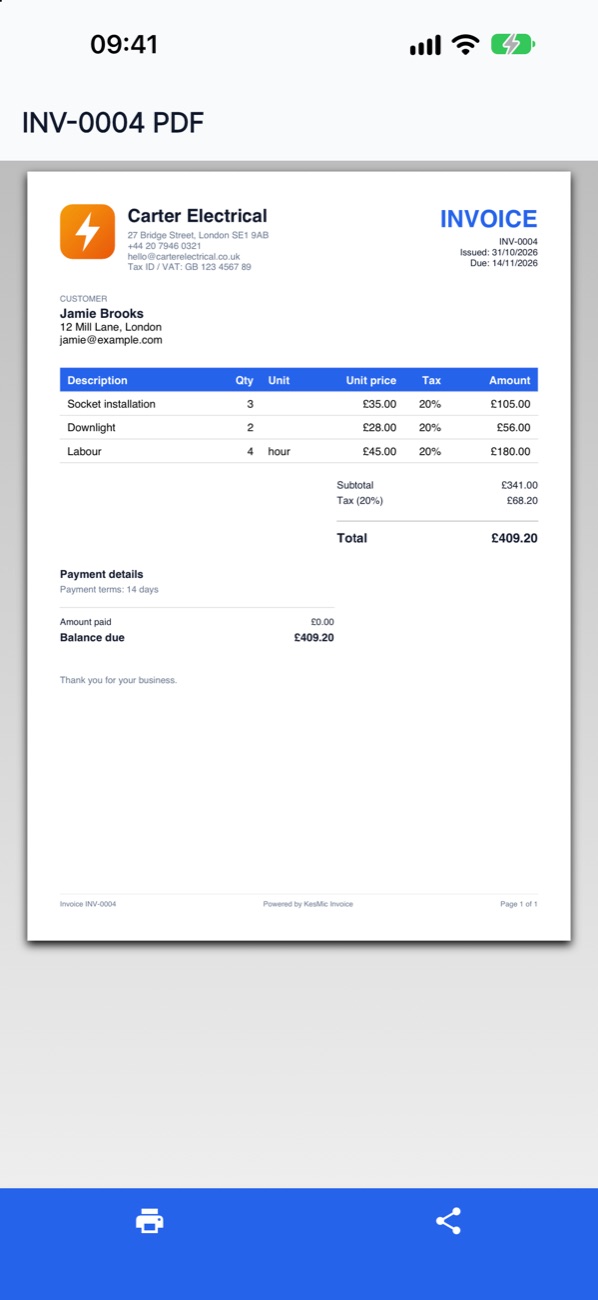
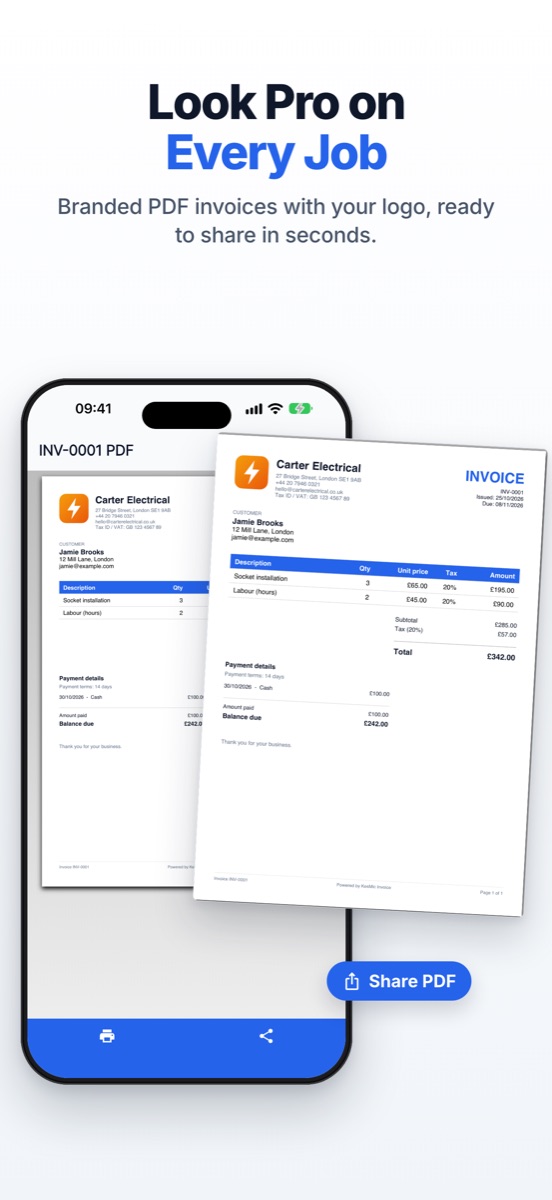
Clean, branded invoices and quotes with your logo and details. Share by email, message or any app, or print in one tap.

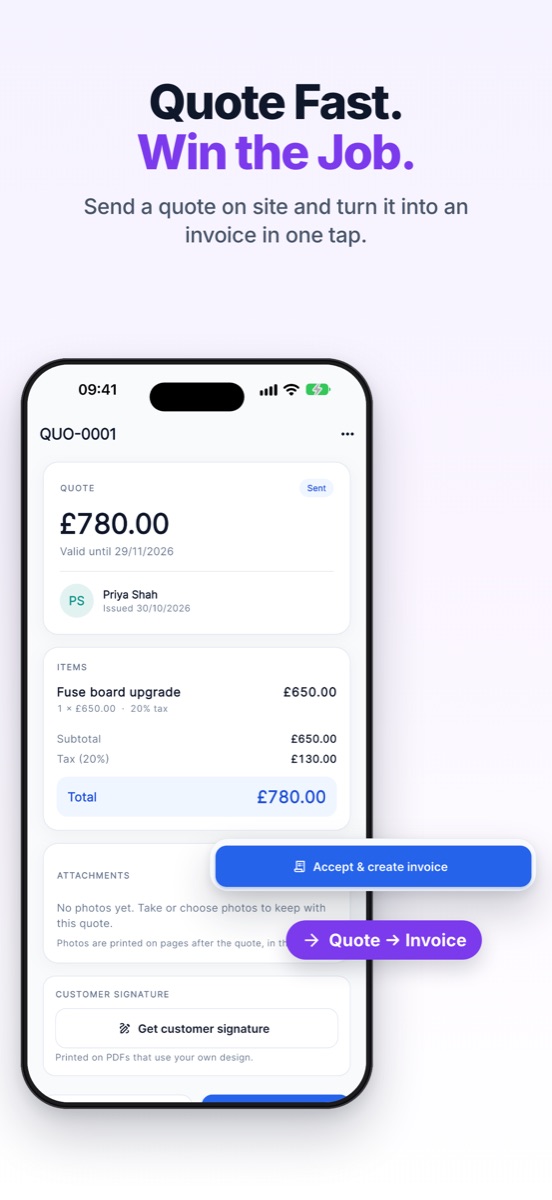
Quote to invoice

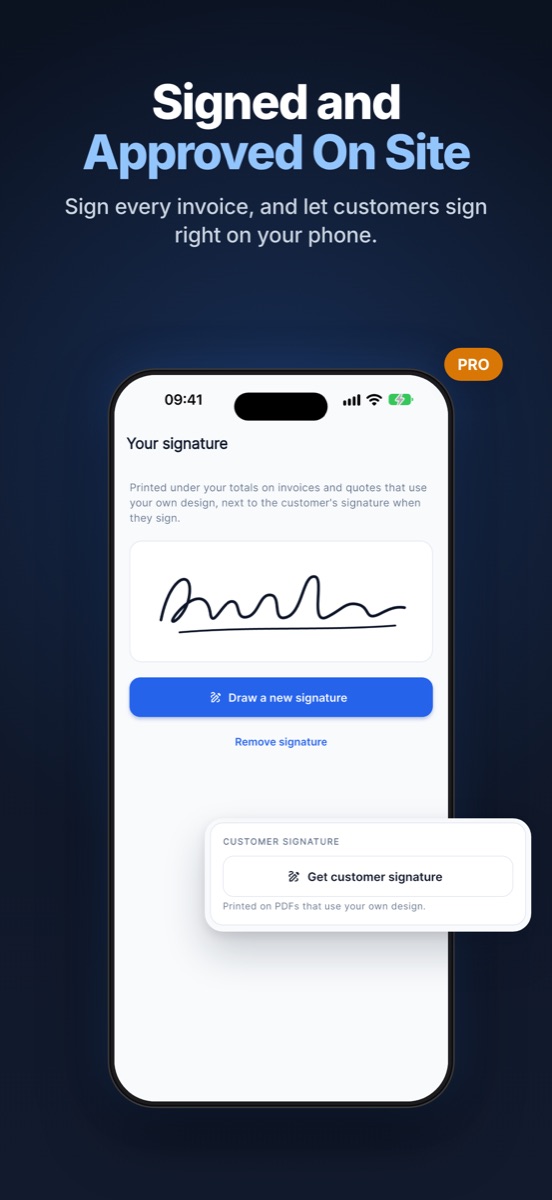
Send estimates in seconds, collect your customer's signature on the spot and convert an accepted quote with one tap.

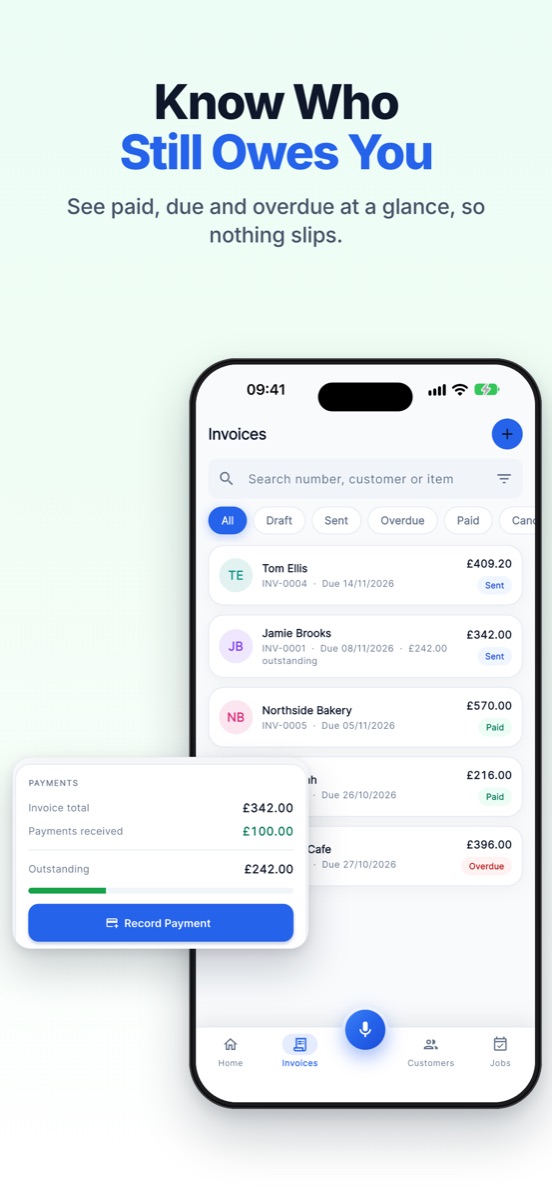
Track payments

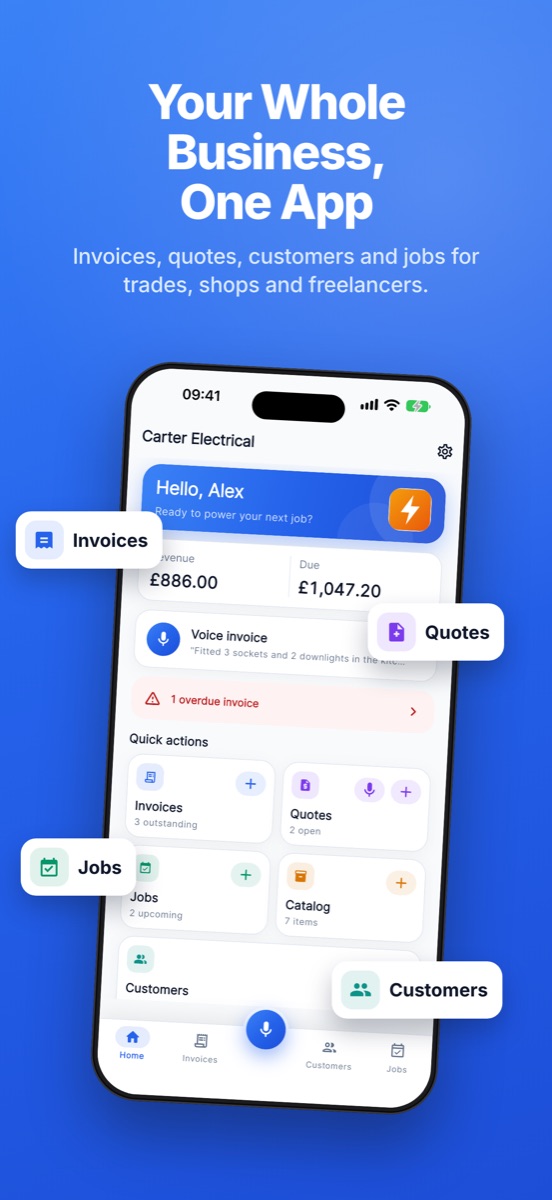
See paid, unpaid and overdue invoices at a glance. Record full or part payments and always know the balance due.

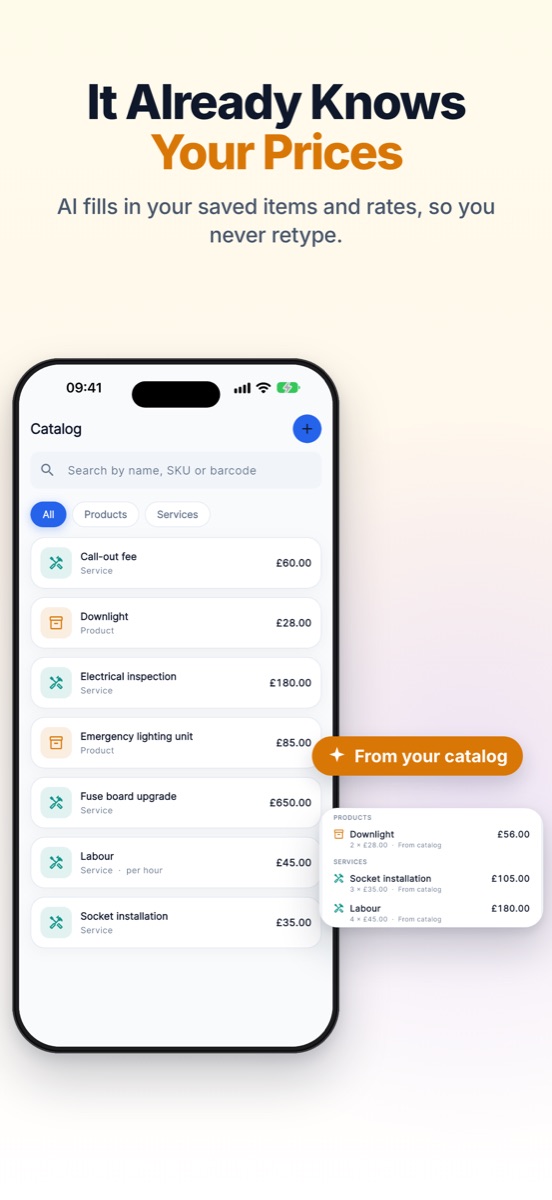
Knows your prices

Save your products, services and rates once. Voice drafts fill in your own prices from your catalog.

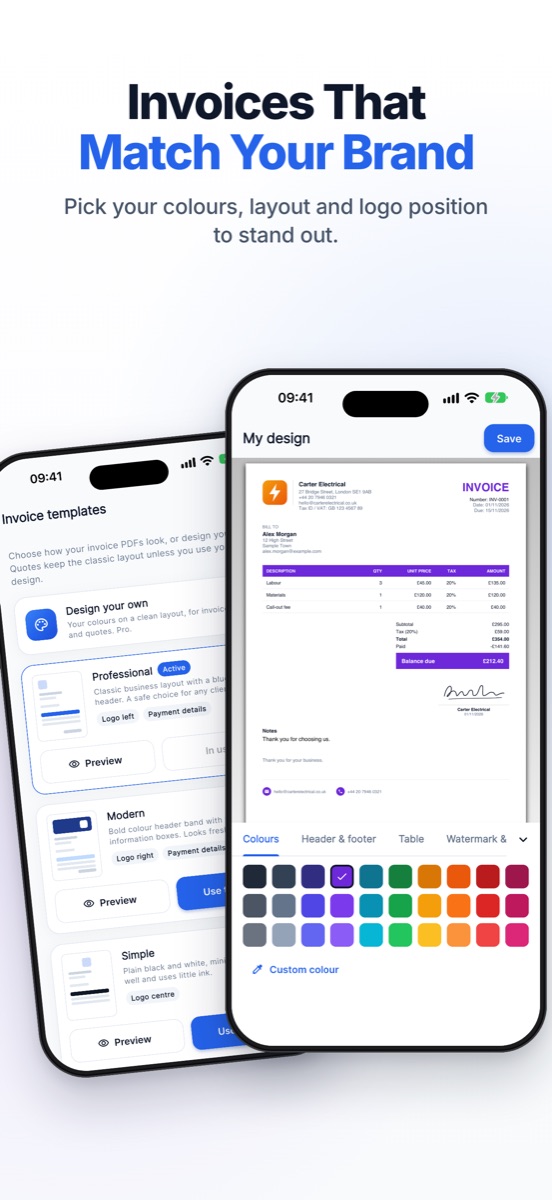
Your brand

Pick a template or design your own. Your logo, details, notes and terms appear on every document you send.

Customers & jobs

Customers, jobs and your catalog in one place, so every new invoice starts with the details already there.

Photos & notes

Attach photos and notes to your work for clear proof of what was done.

Tax, currency & language

Tax / VAT, your currency and date format. Use the app and send documents in English or Spanish.
How it works

From job done to invoice sent in three steps

1

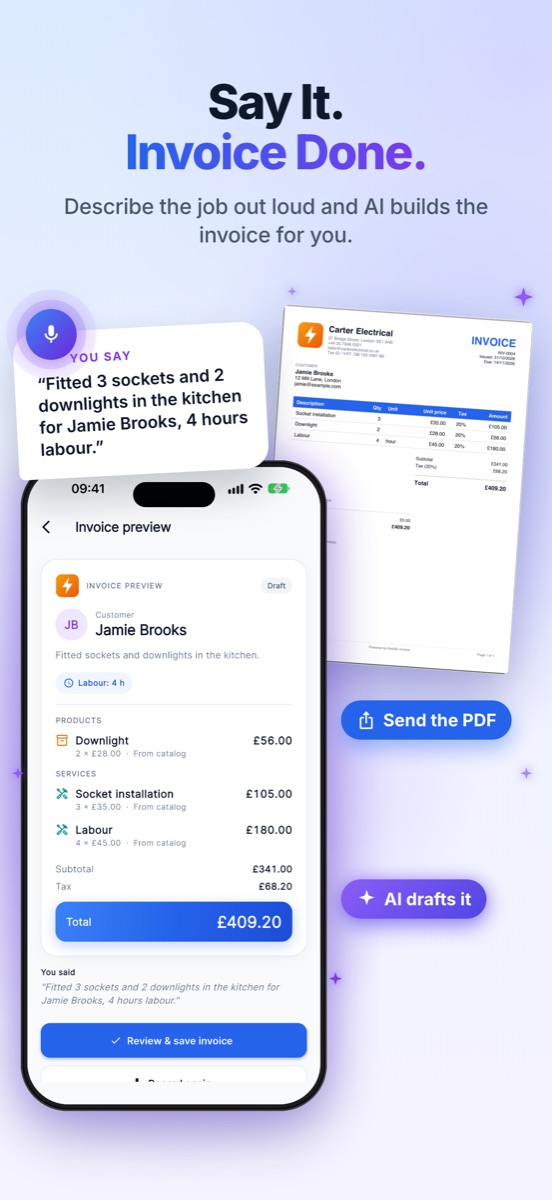
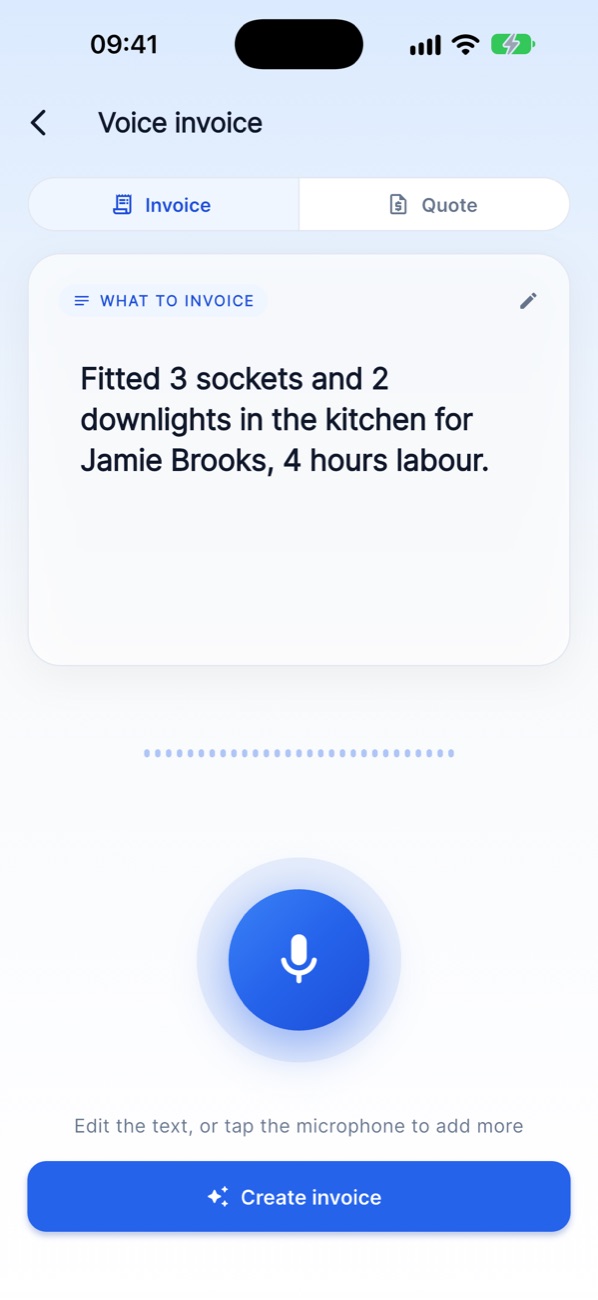
Say what you did

Tap the microphone and describe the job, or type it.

"Fitted 3 sockets and 2 downlights in the kitchen for Jamie Brooks, 4 hours labour."
2

AI drafts it

KesMic builds the invoice with your catalog prices, tax and totals. Check it and make any changes.

3

Send and get paid

Share a professional PDF straight from your phone, then track the payment until it's paid in full.

See it in action

Built to look good on every job

Who it's for

Made for people who work with their hands, not spreadsheets

ElectriciansPlumbersBuildersHandymenPainters & decoratorsCleanersLandscapersMechanicsFreelancersShops & small businesses
Pricing

Start free. Upgrade when you're busy.

Try the core features at no cost. Go Pro when you need no limits.

Free

Everything you need to get started

  • A monthly allowance of invoices and quotes
  • A monthly allowance of AI voice drafts
  • Professional PDF invoices & quotes
  • Customers and catalog items
  • Payment tracking

Pro

For businesses that bill every day

  • Unlimited invoices and quotes
  • 300 AI voice drafts a month
  • Unlimited customers and catalog items
  • Everything in Free
  • Monthly or yearly, cancel any time

Current limits and prices are shown in the app under Settings > Subscription. Subscriptions are billed through the App Store or Google Play.

FAQ

Questions, answered

Do I need to be good with technology?

No. If you can describe a job out loud, you can make an invoice. The app fills in the details and you check and send.

Will the AI get my prices right?

Add your products, services and rates to your catalog and voice drafts use them. You always review every line before saving.

Can I send quotes as well as invoices?

Yes. Create a quote, collect a signature and turn it into an invoice with one tap when the customer accepts.

Which devices does it work on?

KesMic: Invoice & Quote Maker works on iPhone, iPad and Android phones and tablets.

How do I cancel a subscription?

Subscriptions are managed in your App Store or Google Play account settings, and you can cancel any time. See step-by-step help.

Visit the Support Center →

Stop doing paperwork at night.

Invoice every job in seconds and look professional while you do it.